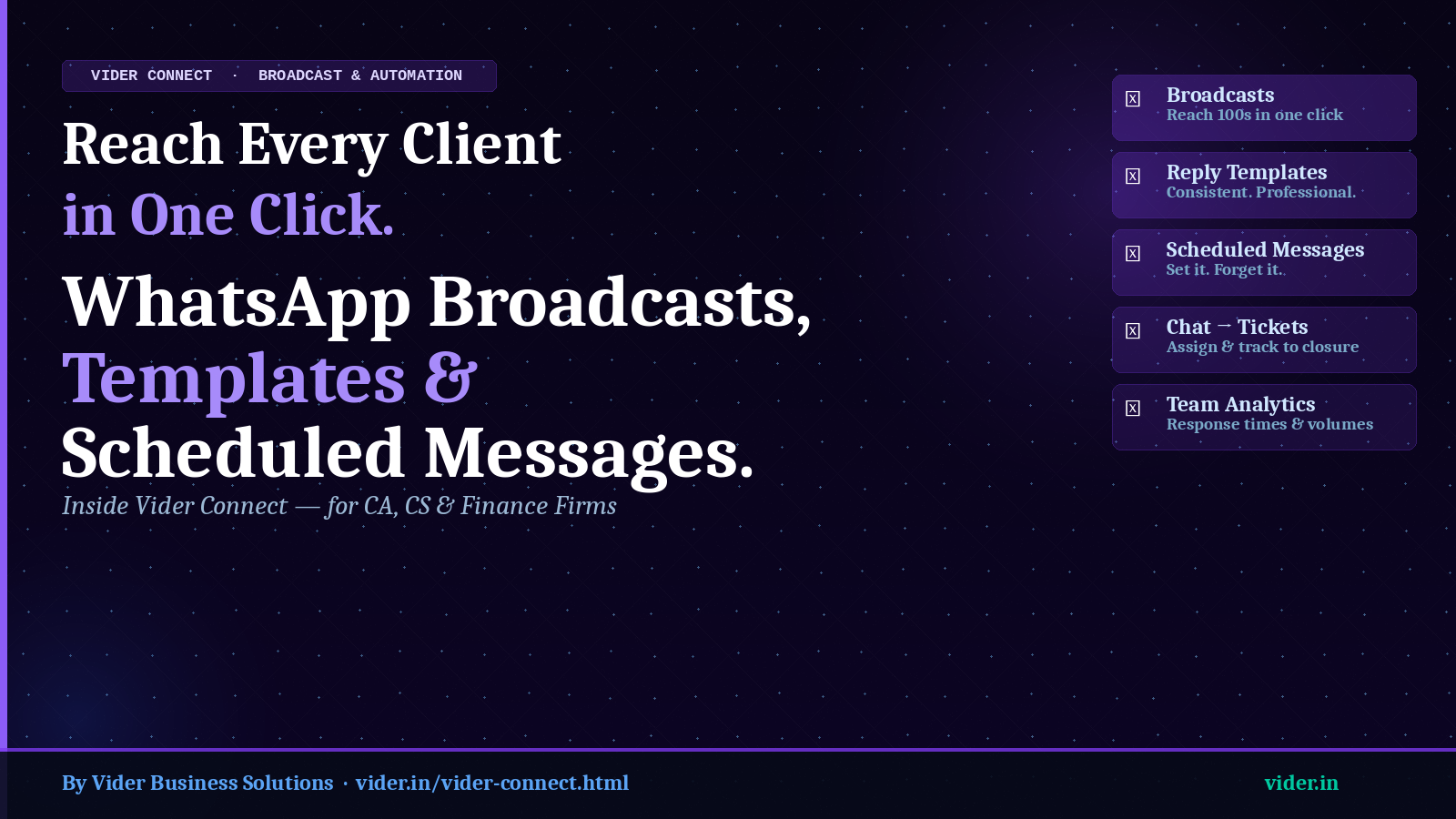
Reach Every Client in One Click: WhatsApp Broadcasts, Templates & Scheduled Messages for CA Firms
How Vider Connect eliminates manual client follow-up and delivers professional, consistent WhatsApp communication at scale.
How Vider Connect eliminates manual client follow-up and delivers professional, consistent WhatsApp communication at scale.
CONTENTS
Home Chronicles ATOM


Ask any CA firm partner how their team sends fee reminders, deadline alerts, or document requests to clients. The typical answer involves a combination of: manually typing individual WhatsApp messages, copying and pasting standard text and adjusting names and amounts, forwarding reminder messages one by one to a contact list, and hoping that team members sound consistent and professional.
For a firm with 100 clients, sending a monthly reminder about upcoming GST deadlines involves 100 individual messages. Sending fee reminders after invoices go unpaid involves finding each client's chat, typing or pasting the message, and repeating. Following up on pending documents requires tracking who has responded and who has not.
This is not a communication strategy. It is a time-consuming manual process that scales poorly, looks inconsistent, and falls entirely on the shoulders of whichever team member has the business phone at that moment.
Vider Connect's broadcast, template and scheduling features eliminate every one of these manual steps — giving CA firms the ability to communicate with their entire client base at once, from a shared team inbox, with professional consistency and full delivery tracking.
Vider Connect's broadcast feature allows you to send a single message to hundreds of clients simultaneously — directly from your business WhatsApp number. Every recipient receives the message as a standard WhatsApp message from your number; they do not see that it was a broadcast or that others received the same message.
What CA Firms Use Broadcasts For
Broadcast Segmentation
Not every broadcast should go to every client. Vider Connect allows you to segment your broadcast recipients — send the GST deadline reminder only to GST-registered clients, send the advance tax alert only to clients with advance tax liability, send the ITR season message only to individual clients. Segmentation is based on tags and categories set up in the contact management system.
Delivery Tracking
After a broadcast is sent, Vider Connect shows delivery statistics: how many messages were sent, how many were delivered, how many were read. For follow-up purposes, you can see which clients have not yet responded to a document request broadcast and send a targeted follow-up to that subset.
One of the most common problems in CA firm client communication is inconsistency. Different team members write different messages for the same situation — some formal, some casual, some with correct spellings and punctuation, some without. When a client compares notes with another client about how their CA communicates with them, the inconsistency is jarring.
Vider Connect's reply template library solves this. Templates are saved at the firm level, available to every team member. When a standard situation arises — a client asking for the status of their return, a client requesting a copy of their previous year's ITR, a client asking about professional fees — the team member selects the appropriate template and sends it with one tap. The message is consistent, professional, and reflects the firm's communication standards.
Types of Templates CA Firms Create in Vider Connect
Scheduled messages in Vider Connect allow you to write a message now and set it to be delivered at a specific date and time in the future. This is particularly powerful for CA firms because many client communication needs are predictable — the 15th-of-the-month document request, the quarterly advance tax reminder, the day-before-deadline nudge.
Instead of relying on a team member to remember to send these messages at the right time, Vider Connect sends them automatically. The message is composed in advance, recipients are selected, the delivery time is set, and the system handles delivery regardless of whether anyone in the firm is at their desk.
Practical Scheduling Scenarios for CA Firms
Vider Connect's ticket system converts any client chat into a formal, trackable ticket. When a client raises a complex issue over WhatsApp — a notice they have received, a dispute on an invoice, a request for a meeting — the team member handling that chat can create a ticket, assign it to the appropriate person, and track it to resolution.
Tickets have status fields (open, in progress, waiting for client, closed), assignees, and due dates. The ticket dashboard gives managers a view of all open issues across all client conversations — ensuring that nothing is left unresolved because it got buried in a chat.
| Feature | Manual Process Replaced | Time Saved (100 clients) |
|---|---|---|
| Broadcast | 100 individual WhatsApp messages | 3-4 hours per broadcast |
| Reply templates | Typing each message individually | 15-30 min per day |
| Scheduling messages | Calendar reminders + manual send | Completely eliminated |
| Chat tickets | WhatsApp + seperate tracker | 1-2 hours/week tracking |
| Team analytics | No visibility into response times | Real data, no estimation |
Vider Connect's analytics dashboard shows response time metrics for every team member: average first response time, average conversation resolution time, message volume by team member, and client response rates on broadcasts. For CA firm partners who have never had visibility into how quickly their team responds to client messages, this data is eye-opening — and often the starting point for significant service quality improvements.
Does WhatsApp allow businesses to send broadcasts
Yes, through the WhatsApp Business API, which is the infrastructure underlying Vider Connect. Vider Connect manages the API access so that your team can use broadcast, template and scheduling features without needing any technical setup.
Will clients know they recieved a broadcast message?
No. Broadcast messages are received as individual one-on-one messages from your business number. There is no indication to the recipient that the same message was sent to others.
Can we schedule recurring messages - for example, a monthly reminder?
Yes. Vider Connect supports recurring scheduled messages with configurable frequency - daily, weekly, monthly, or on specific dates. Once set up, recurring messages run automatically until cancelled.
Related Posts
Best Practice Management Tool for Chartered Accountants in India by CA Chikyala Abhinav Why ATOM Is the Best Practice Management Tool for Chartered Accountants in India by Nikhil Katkam P F A & Associates - Segment: Income Tax Advisory & Compliance How ATOM & ATOM Pro Revolutionized My CA Practice: A Journey by CA. Naveen Kumar Best Company Secretary Software in India - Vider ATOM