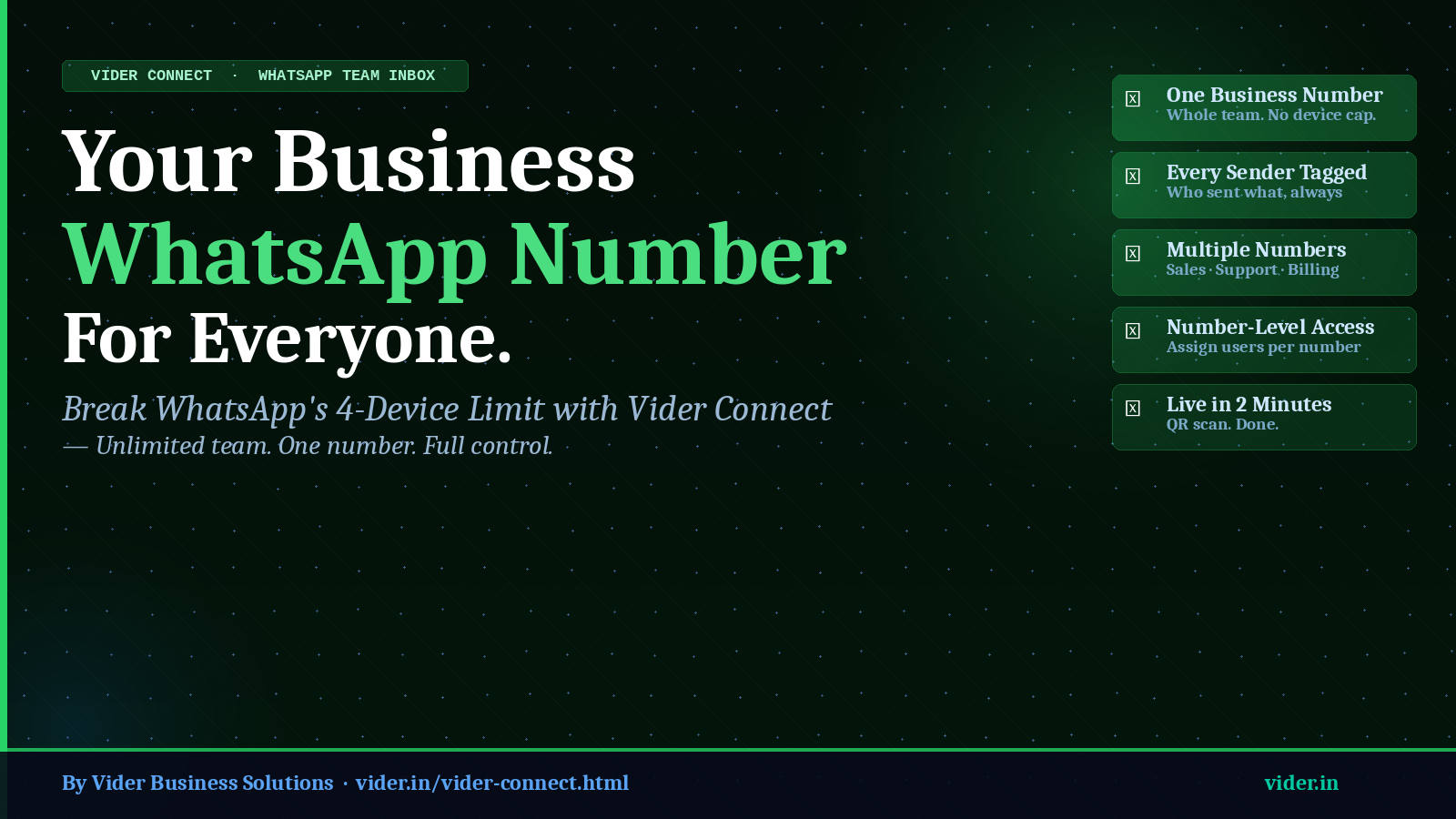
Your Business WhatsApp. For Your Whole Team. How Vider Connect Breaks the 4-Device Limit
One business number. Unlimited team members. Every message tracked to its sender.
One business number. Unlimited team members. Every message tracked to its sender.
CONTENTS
Home Chronicles ATOM


Almost every business in India runs on WhatsApp. Orders come in on WhatsApp. Clients send documents on WhatsApp. Staff coordinate on WhatsApp. For CA firms, CS firms, finance practices, and businesses of every kind, WhatsApp is not just a communication tool — it is the operational nervous system of the organisation.
And yet WhatsApp has a fundamental limitation that cripples every growing team: the 4-device cap. A single WhatsApp number can be linked to a maximum of 4 devices at any one time. For a team of 5 or more people who need to respond to clients on the same business number, this is not a minor inconvenience. It is a structural bottleneck that causes missed messages, delayed responses, and the constant scramble of who has the phone right now.
Vider Connect was built to solve this problem completely — not with a workaround, but with a proper, purpose-built solution that gives your entire team access to your business WhatsApp number, assigns specific numbers to specific people, tracks every message to its sender, and integrates directly with ATOM so nothing falls through the gap.
Let's be specific about what WhatsApp's 4-device limit costs a business in practical terms. If your business uses three WhatsApp numbers — a sales line, a support line, and a billing line — each of those numbers can be active on 4 devices simultaneously. That means a maximum of 12 devices across your entire business, regardless of your team size.
For a CA firm with 15 staff members, or a business with a sales team of 20, this means the vast majority of team members have no access to the business WhatsApp number at all. When a client message comes in, it sits on one phone, at one desk, waiting for whoever is at that desk to respond. If that person is with a client, in a meeting, or on leave — the message waits. The client waits. And with every minute that passes, their confidence in your firm erodes slightly.
There is another problem that is less visible but equally damaging: when the business phone is shared among team members, there is no record of who sent which message. A client can say 'your team told me the price was ₹15,000' and there is no way to verify who said it, when, or in what context. Accountability is zero. Disputes become impossible to resolve fairly.
“WhatsApp is the most important client communication channel for Indian businesses in 2026. But WhatsApp's 4-device limit was designed for personal use, not for professional teams. Vider Connect bridges this gap.”
Vider Connect connects to your existing business WhatsApp number via QR scan — exactly the way WhatsApp Web works, taking under two minutes. After that single setup step, every team member in your organisation can log in to Vider Connect with their own unique account and work from their own screen. WhatsApp's 4-device limit no longer applies because Vider Connect operates as a unified team inbox, not as individual linked devices.
Vider Connect's v4 capability goes beyond a single number. You can connect multiple WhatsApp numbers to one Vider Connect account — your sales line, your support line, your billing line, your branch numbers — and manage all of them from a single dashboard. This means a team member in customer support sees only the support line conversations; a sales person sees only the sales line; and a manager or owner sees everything. The assignment of numbers to users is fully controlled by the administrator.
| The Problem | WhatsApp Web | Vider Connect |
|---|---|---|
| Team size limit | Max 4 devices per number | Unlimited - no cap |
| Multiple numbers | Seperate phones/ accounts | All connected, one platform |
| Who sent each message | no record | tagged to sender always |
| Number-to-user control | Anyone uses any number | Assigned per user by admin |
| Chat history when staff leave | Goes with the phone | Stavs with the business |
| ATOM task integration | Not possible | One click from any chat |
| Invoice auto-send | Manual copy-poaste | Auto from ATOM on creation |
In Vider Connect, every outgoing message is permanently tagged with the name of the team member who sent it, along with the time. When a client calls and says 'your team told me X', you can immediately pull up the conversation, see exactly who said it, and respond from a position of complete information. This message accountablility feature alone saves significant time in dispute resolution and client management.
Vider Connect is built for any team where more than four people need access to a WhatsApp number. In the professional practice context, this includes:
Does my client need to do anything differently?
Nothing. Your client keeps messaging the same number they always have. Everything changes on your side and nothing changes on theirs. They will not know you have switched to vider connect.
What happens to chat history when a team member leaves?
All chat history belongs to the business, not the individual. when a team member's account is deactivated (one click by the admin), they immediately lose all access. Every conversation they handled remains in Vider Connect, fully searchable and reassignable.
How much does Vider Connect cost?
₹12000 per year for up to 3 connected WhatsApp numbers, with unlimited team members. For businesses needing more than 3 numbers, custom pricing is available. Contact Vider at +91 9171121121 or support@vider.in.
Can I control which team members see which WhatsApp number?
Yes. This is a core feature of Vider Connect. Admins assign each team member to specific numbers. A user assigned to the Support line cannot see Sales line conversations unless specifically granted access. this number-level access control is what makes Vider Connect suitable for businesses with seperate teams on each number.
Related Posts
Best Practice Management Tool for Chartered Accountants in India by CA Chikyala Abhinav Why ATOM Is the Best Practice Management Tool for Chartered Accountants in India by Nikhil Katkam P F A & Associates - Segment: Income Tax Advisory & Compliance How ATOM & ATOM Pro Revolutionized My CA Practice: A Journey by CA. Naveen Kumar Best Company Secretary Software in India - Vider ATOM