Home
Chronicles
ATOM
Why UI Matters in Practice Management Software for CA Firms | ATOM PMS
By
Nikhil Katkam
|
Updated on:Mar 27, 2026 15:35
|
12 min read
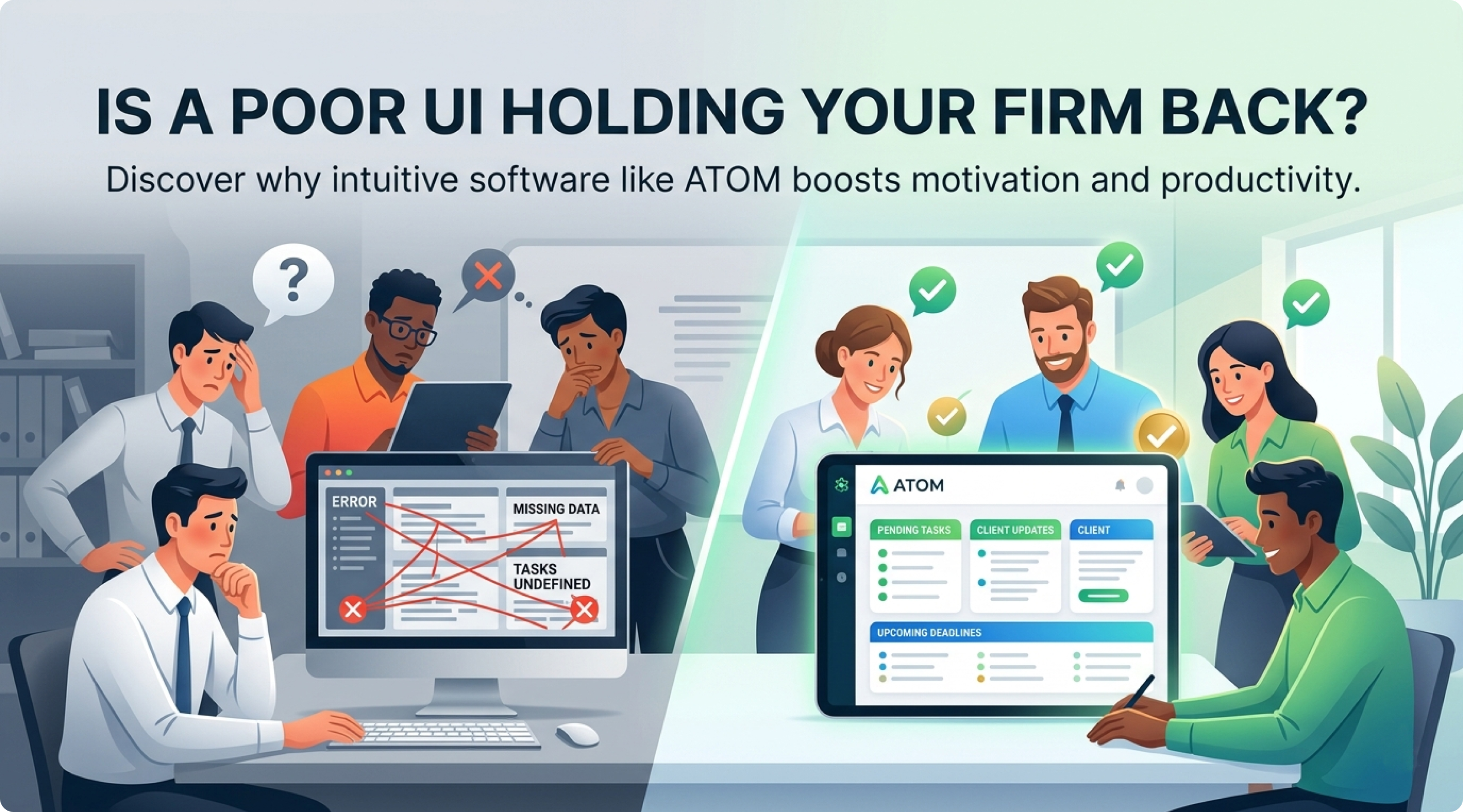
If your team avoids using your current software because of poor interface, is it really helping your firm —
or would ATOM, the Best Practice Management Tool for Chartered Accountants, make your team more productive
every day?
If you are a Chartered Accountant, Company Secretary, Tax Consultant, or finance professional, you already
understand how critical efficiency is in your daily operations.
Managing multiple clients, tracking deadlines, coordinating with your team, and ensuring timely compliance
requires more than just effort — it requires the right system.
That is why many professionals today search for:
- Best practice management tool for Chartered Accountants
- Best PMS software for CA firms
- Best work automation tool for accountants
However, one critical factor that is often overlooked during this evaluation is
User Interface (UI)
.
This blog explains why UI plays a decisive role in software adoption — and how ATOM solves this problem
effectively.
1. Why Poor User Interface Reduces Software Adoption
Many firms invest in software expecting it to improve efficiency and automate workflows.
But within a few weeks, a different pattern emerges:
- Team members stop using the software regularly
- Tasks are tracked manually or in Excel
- Updates are inconsistent or delayed
The problem is not the intention to automate — it is the usability of the system.
If software feels complicated, slow, or confusing, users naturally avoid it. Even the most powerful features
become irrelevant if the interface creates friction.
A practice management tool should simplify work, not make it harder.
2. The Real Impact of UI on CA Firm Productivity
In professional firms, time and accuracy are critical.
A poorly designed interface leads to:
- Increased time spent navigating the system
- Higher chances of missed deadlines
- Lack of visibility on task status
- Reduced accountability within teams
When employees struggle to use a system, they revert to manual processes — defeating the purpose of
automation.
On the other hand, a clean and intuitive interface allows teams to:
- Quickly understand their responsibilities
- Access client data without confusion
- Track deadlines efficiently
- Complete tasks without unnecessary delays
3. Why Many PMS Tools Fail in UI Design
Many practice management tools are built with a strong focus on features but not on usability.
These tools often suffer from:
- Cluttered dashboards
- Complex navigation structures
- Too many unnecessary steps to perform simple actions
- Lack of clarity in task and workflow visibility
As a result, teams require constant training and still struggle to use the system effectively.
4. What an Ideal UI Should Deliver for Professional Firms
When evaluating a practice management tool, UI should not be treated as a secondary feature.
An effective UI should provide:
- Clear visibility of pending tasks
- Easy access to client information
- Simple and structured workflow navigation
- Minimal clicks to perform key actions
- Real-time updates and status tracking
5. How ATOM Solves the UI Problem for CA Firms
ATOM – The Best Practice Management Tool for Chartered Accountants, Company Secretaries, Tax Consultants,
and Finance Professionals — has been designed with usability at its core.
Unlike generic tools, ATOM focuses on simplifying professional workflows through a clean and intuitive
interface.
With ATOM, your team can instantly understand:
- Which tasks are pending
- Which clients need attention
- Which deadlines are approaching
There is no unnecessary complexity.
The system is structured in a way that allows both partners and staff to use it efficiently without
extensive training.
6. How Better UI Leads to Better Team Adoption
When software is easy to use, something important happens — your team actually starts using it consistently.
This leads to:
- Improved task tracking
- Better accountability
- Faster turnaround times
- Reduced dependency on manual follow-ups
7. Why ATOM Is Considered the Best PMS for CA Firms
Because of its strong focus on usability and real-world workflows, many professionals today consider ATOM
as:
- Best practice management tool for CA firms
- Best work automation tool for accountants
- Best PMS software for professional practices
ATOM is not just feature-rich — it is designed to be used daily.
Conclusion: The Best Software Is the One Your Team Actually Uses
Choosing a practice management tool is not just about features or pricing.
For professional firms, the real value lies in adoption and usability.
If your current system is being avoided by your team, it is not helping your firm — it is slowing it down.
ATOM was built to eliminate this problem by combining simplicity, clarity, and functionality into one
powerful platform.
Because in the end, productivity does not come from complexity.
It comes from systems that your team can use confidently, consistently, and efficiently every single day.
Vider Contact Details: