Home
Chronicles
ATOM
Never Let a Deadline Slip Again: Task Prioritisation & Auto-Escalation in ATOM
By
CA Chikyala Abhinav
|
Updated on: Apr 14, 2026 13:30
|
17 min read
In a CA firm, deadlines are not suggestions. Missing a GST filing, a TDS return, or a client
deliverable does not just inconvenience the client — it costs them money in penalties, and it
costs you their trust.
Yet the vast majority of Indian CA firms still track deadlines using spreadsheets, sticky notes,
or WhatsApp messages to themselves.
The problem is not effort — it is system. When deadlines exist in people's heads rather than in
software, they get missed. When task assignments are verbal rather than formal, accountability
breaks down. When there is no escalation mechanism, a task can sit overdue for days before
anyone notices.
ATOM's task prioritisation and deadline escalation engine solves all three of these problems —
not with complexity, but with elegant simplicity that works the way a CA firm actually operates.
“A missed deadline in a CA firm is never just an admin error. It is a compliance failure
with financial consequences for the client and reputational consequences for the
firm.”
How Most CA Firms Currently Track Deadlines
The typical deadline management system in an Indian CA firm looks something like this: a senior
partner maintains a mental map of all upcoming deadlines, supplemented by a shared Excel file
that nobody updates consistently, and a series of WhatsApp reminders sent to team members.
Article clerks maintain their own notebooks.
This system has a fatal structural flaw: it is entirely dependent on individual memory and
individual discipline. When a team member is absent, distracted, or overloaded, tasks slip. And
because there is no system-level visibility, partners often discover the slip only when the
client calls asking why their filing has not been done.
ATOM's Task Priority Engine: How It Works
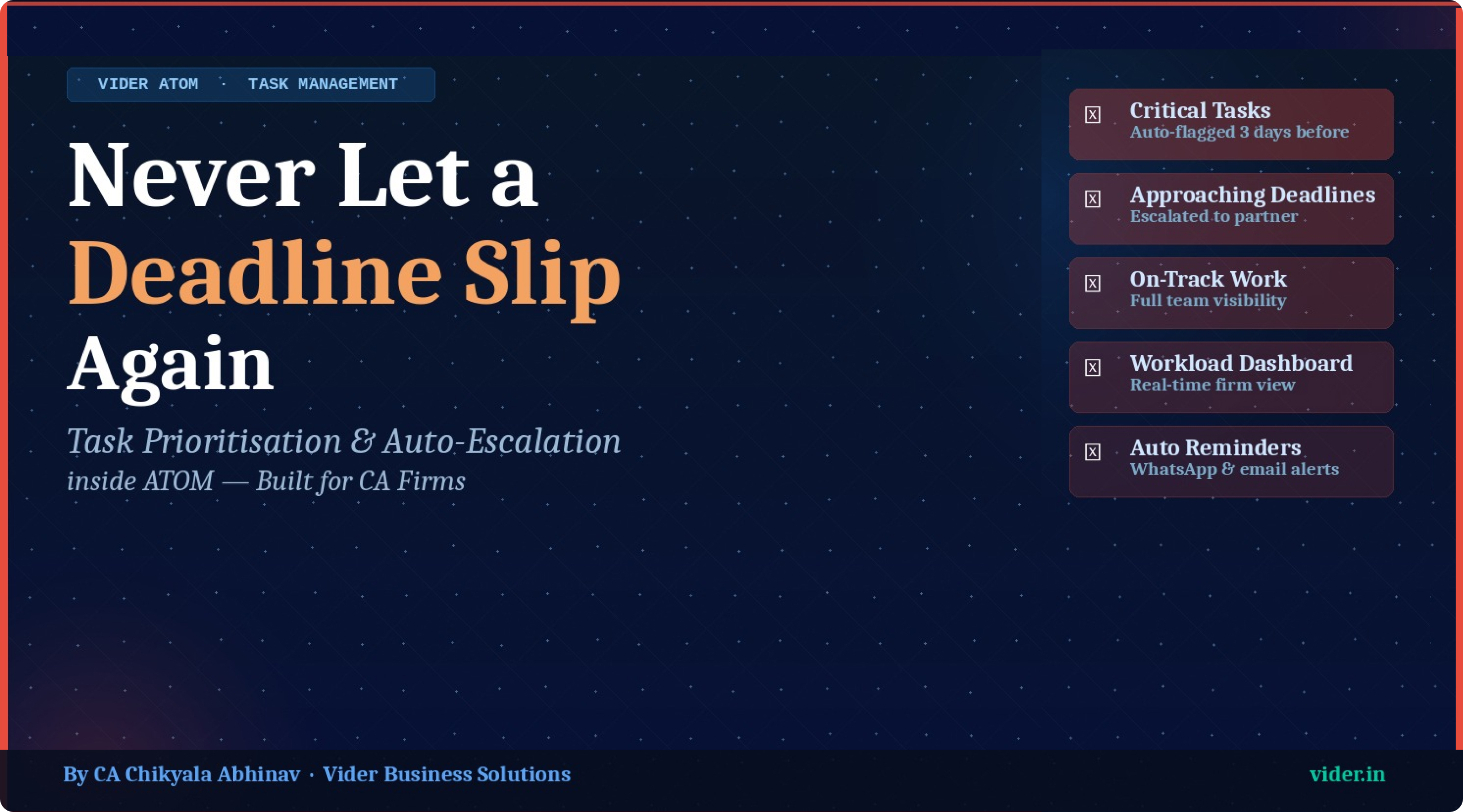
1. Priority Levels — Red, Yellow, Green
Every task in ATOM is automatically colour-coded based on its proximity to the deadline. Tasks
due within 3 days are flagged Red — critical, requiring immediate action. Tasks due within 7
days are flagged Yellow — approaching, requiring attention. All other tasks remain Green — on
track.
This visual language means a partner can glance at the dashboard and immediately know where the
firm's risk lies.
2. Auto-Escalation to Partner
When a task assigned to a team member crosses into the Red zone without being completed, ATOM
automatically escalates it to the partner-in-charge.
No manual chasing required. The partner receives a notification — via the platform, email or
WhatsApp depending on configuration — and can immediately reassign, intervene, or communicate
with the client.
3. Cascading Deadline Awareness
Some CA firm tasks have dependencies: a tax audit cannot begin until the books are finalised; an
ITR cannot be filed until the audit is complete.
ATOM allows dependent tasks to be linked, so the system understands that if Task A is delayed,
Tasks B and C downstream are also at risk. The platform surfaces these cascade risks
proactively.
4. Individual & Firm-Wide Views
Every team member sees their own prioritised task list every time they log in — their personal
work queue, sorted by urgency.
Partners and managers see the firm-wide view: every team member's task load, every red and
yellow item across all clients, and every upcoming deadline in the next 7, 14 or 30 days.
Key Features of ATOM's Task Management Module
- Create tasks with client, work type, assignee, deadline, priority and description
- Partner-level escalation alerts when tasks enter Red zone without completion
- Dependent task linking for multi-stage work (e.g., audit → ITR → filing)
- Individual task queues for every team member — sorted by urgency on login
- Firm-wide task dashboard for partners and managers
- Filter by client, team member, deadline window, or work type
- Recurring task automation — repeat tasks auto-generated from templates
- Mobile access — manage and update tasks from any device
- Complete task history with timestamps for audit trail
Frequently Asked Questions
Can ATOM handle recurring monthly tasks like GST filings automatically?
Yes. ATOM's recurring task engine generates tasks automatically based on the client's compliance
profile. Monthly GSTR-3B, quarterly TDS returns, annual ITR — all are generated without manual
input.
What happens when a task deadline is extended by a government notification?
ATOM's compliance calendar is updated to reflect statutory deadline extensions. Tasks affected
are automatically updated, and partners are notified.
Can different team members have different levels of task visibility?
Yes. Role-based access control ensures staff see only their tasks, managers see team tasks, and
partners have full firm-wide visibility.
Vider Contact Details: